Libraries, better marker, and PDF export
Libraries
You can now create libraries of reusable assets and share them across your organization. Think of these as building blocks: icons, illustrations, UI patterns, whatever you use repeatedly.
Tip: If you have widgets in Axure RP you want to use as library elements, you can copy for Axure Cloud from the right-click menu.
Better marker
Drawing with the marker now feels more like a marker, it varies stroke width based on your drawing speed, slower strokes come out thicker, faster ones thinner. And if you're using a pressure-sensitive device (like a Surface Pro or iPad with Apple Pencil), it picks that up too.
PDF export
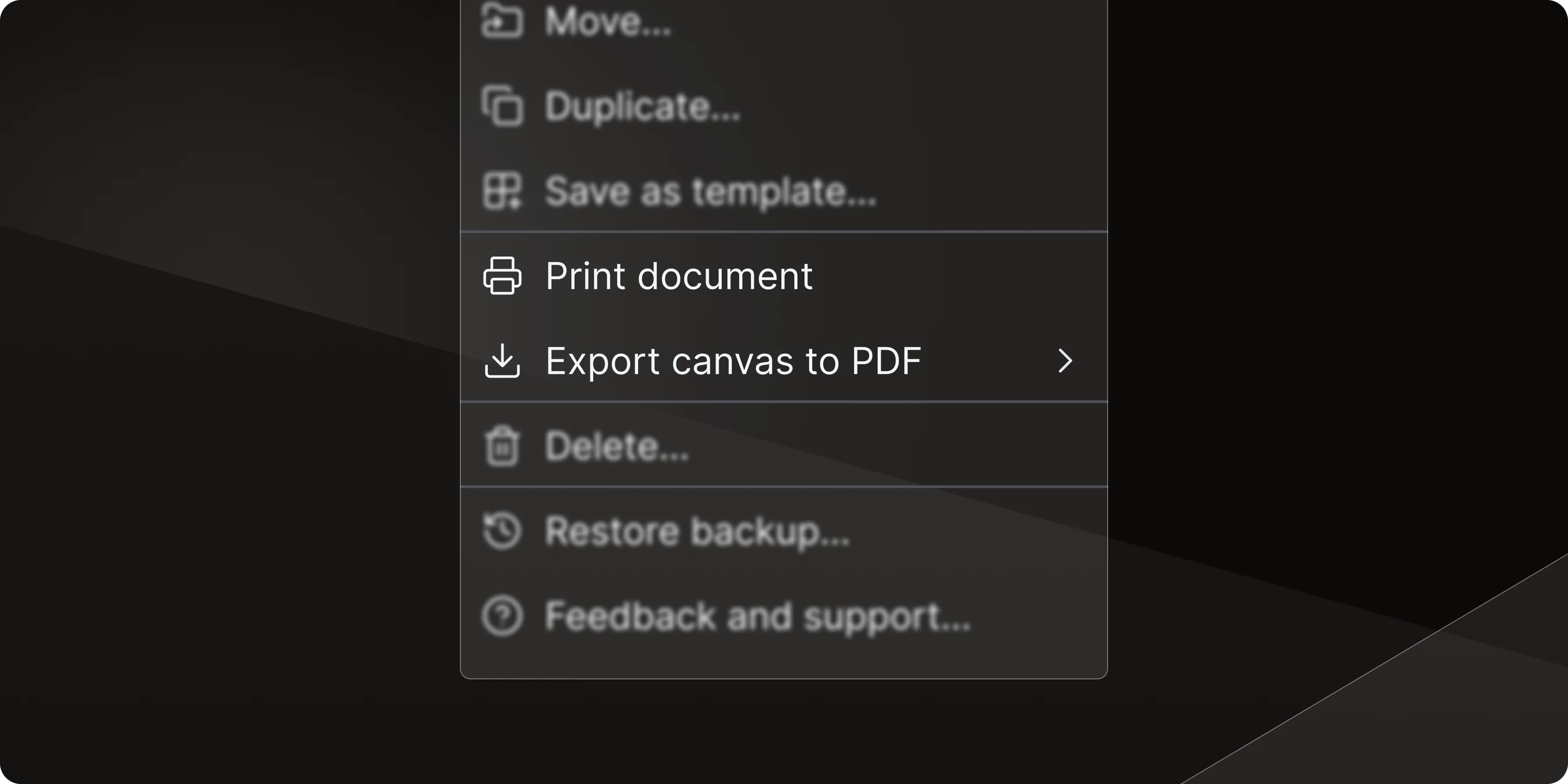
Print document prints just the document portion of your whiteboard (all your notes, specs, and formatted text) plus any sections links you've added. Perfect for sharing written documentation with relevant designs in meetings or handing off requirements with visual context.
Export canvas to PDF gives you three options:
- Entire canvas – Export everything on your canvas in one go
- Sections only – Pull just the organized sections you've defined (great for clean deliverables)
- Current selection – Grab only what you've selected on the whiteboard (perfect for quick shares of specific flows)
Improvements (3)
- Remember marker, note, and section colors – Your last color and width choices across sessions are kept so you don't have to keep resetting them
- Whiteboard background – Changed the default to grey for better contrast (easier on the eyes, easier to see your work)
- Image naming – Pasting images from Finder/File Explorer now automatically names items to match the file name
Bug fixes (5)
- Fixes arrows on lines not appearing
- Fixes image crop bug
- Fixes avatar list not updating correctly when multiple users are in the same file
- Fixes corner radius hot zone missing for shapes
- Fixes section previews not loading when switching between whiteboards