Curated colors and font sizes, and MCP (alpha)
Curated colors and font sizes
A lot of teams are reaching for Tailwind-style colors and font sizes when working on whiteboards, so we built that into the style toolbar. You can now choose from a curated Tailwind color palette and named font sizes (xs, sm, md, lg, xl, 2xl, and more) to keep your whiteboards consistent and familiar.
We're also working on support for custom creating your own colors, stay tuned for that in a future release.
MCP (Machine Context Protocol) (alpha)
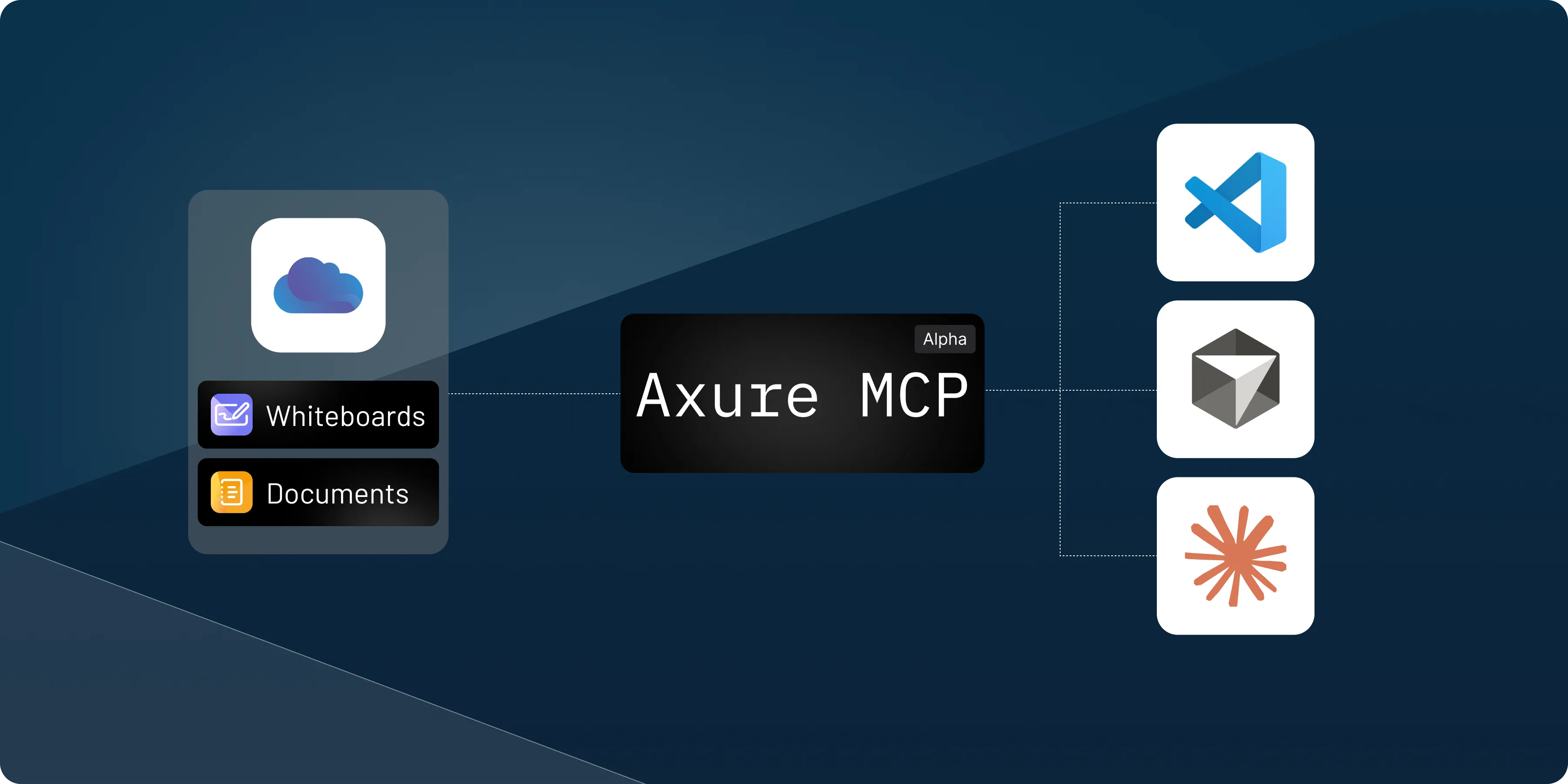
You can now set up the Axure MCP server to give AI agents context from whiteboards and docs.
The Axure MCP server lets you connect AI agents and productivity tools, including Claude Code, VS Code, and Cursor, directly to your whiteboards and documents on Axure Cloud. Once connected, you can share links to your whiteboards and documents and the AI tool will be able to read and interpret the context.
Share links to files, sections, or canvas objects as context for generating code. Click the Share button within a whiteboard or document for instructions on how to set it up. To learn more visit the Axure MCP documentation.
Since MCP is currently in alpha, we'd love your feedback, send us a message in the app or email us at support@axure.com.
Improvements (3)
- HSL and RGB inputs – Enter color values directly in HSL or RGB format in the color picker.
- Named web colors – Type a color name like "red" or "blue" in the hex field to use standard HTML colors.
- Help menu in the sidebar – Added a dedicated Help menu in the sidebar for quicker access to help and resources.
Bug fixes (4)
- Fixes issue where zooming could become skewed further from 0,0.
- Fixes issue where a folder icon for a section could appear in non-library files.
- Fixes issue preventing WebP images from uploading through the image selector.
- Fixes issue where right-click paste could place SVGs in the wrong location instead of at the cursor.