Changelog
Filter by tags
Clear filtersAxure RP MCP (Machine Context Protocol) (alpha)
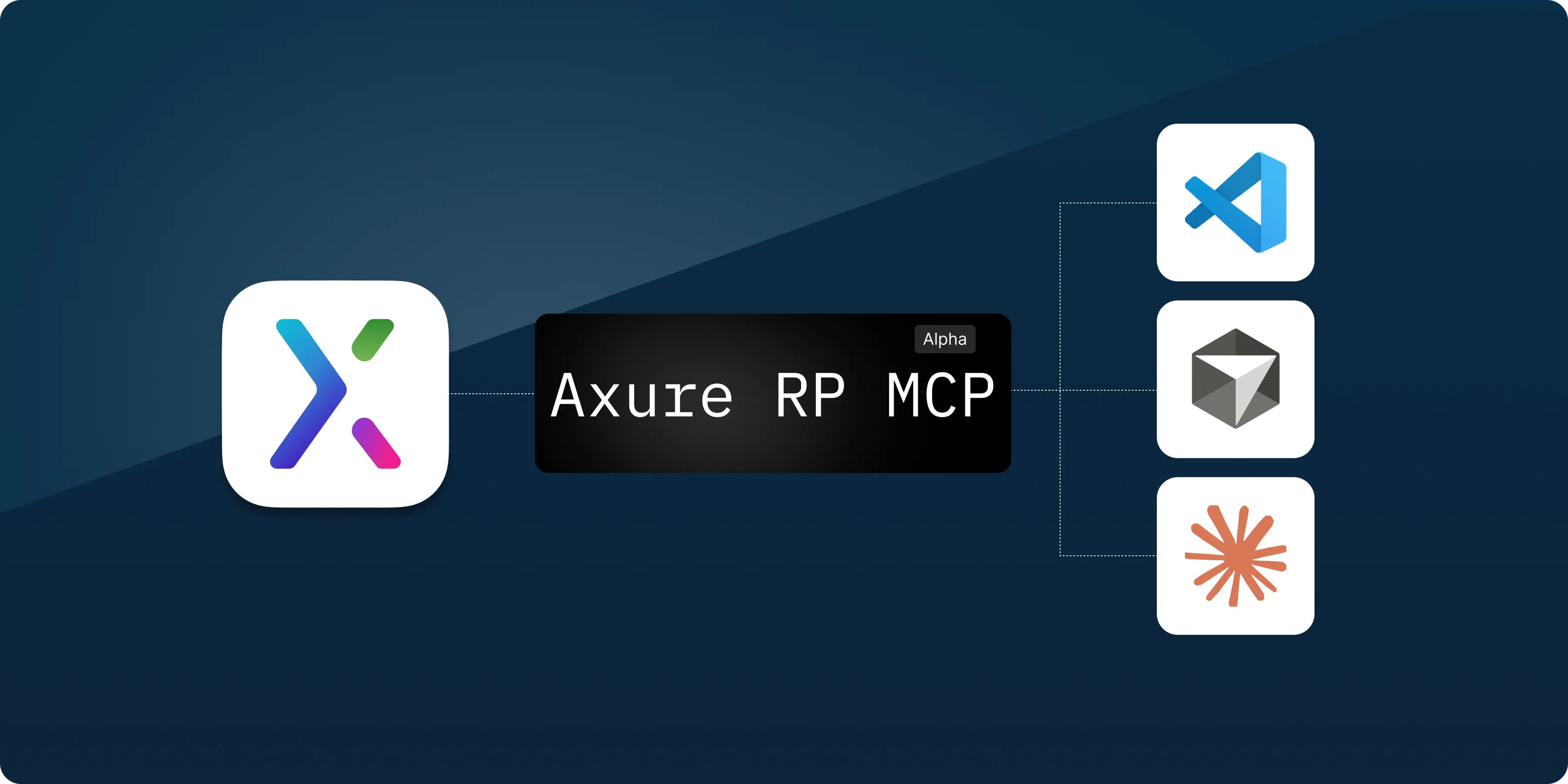
You can now run a built-in MCP server from Axure RP to give AI agents and tools access to the pages, widgets, interactions, and notes in your RP files. The AI can use your designs for code generation, analysis, documentation, and more.
The Axure RP MCP server is run locally from Axure RP (different than the Axure Cloud MCP server) and lets you connect to tools including Claude Code, VS Code, and Cursor. Once connected, you can ask it to use the context in your open files in plain language like "Generate React components that match the layout on this page."
Learn more about setting up and using the MCP server in this article Using Axure RP with AI tools via MCP.
MCP is currently experimental and we'd love your feedback. Please send messages from RP or email us at support@axure.com.
Windows Snap flyout
Windows Snap lets you quickly arrange and resize application windows on a PC. A customer recently pointed out that the Windows Snap flyout was not working in Axure RP. Now, the Snap flyout appears when you hover over the maximize button on an Axure RP window and lets you choose a layout.
Faster rendering on Macs
Several optimizations were made to the rendering engine to make Axure RP 11 faster on Macs. The improvements are most noticeable when working on pages with many widgets. Everything from editing widget properties to scrolling is now much faster.
Improvements (3)
- MCP (Machine Context Protocol) – You can now run a built-in MCP server from Axure RP to give AI agents and tools access to the pages, widgets, interactions, and notes in your RP files.
- Windows Snap flyout – The Snap flyout appears when you hover over the maximize button on an Axure RP window and lets you choose a layout.
- Faster Mac rendering – Several optimizations were made to the rendering engine to make Axure RP 11 faster on Macs. The improvements are most noticeable when working on pages with many widgets.
Bug fixes (2)
- Fixes widget note appearing in the wrong location with a panel state change
- Fixes dynamic panel moving incorrectly with panel state change when pinned to the bottom

Improvements (1)
- Start a whiteboard (beta) from a published regular or team project file
Bug fixes (7)
- Improves optimization around widgets with the blur property applied
- Fixes widget notes appearing in the wrong location when in a dynamic panel within a component
- Fixes style properties reverting when resizing widgets in certain scenarios
- Fixes apply style interaction not working with images
- Fixes copied widgets pasting as background text in certain apps
- Fixes placement of checkbox/radio buttons within dynamic panels when pasting to whiteboards
- Fixes copying mixed font weights when pasting to whiteboards
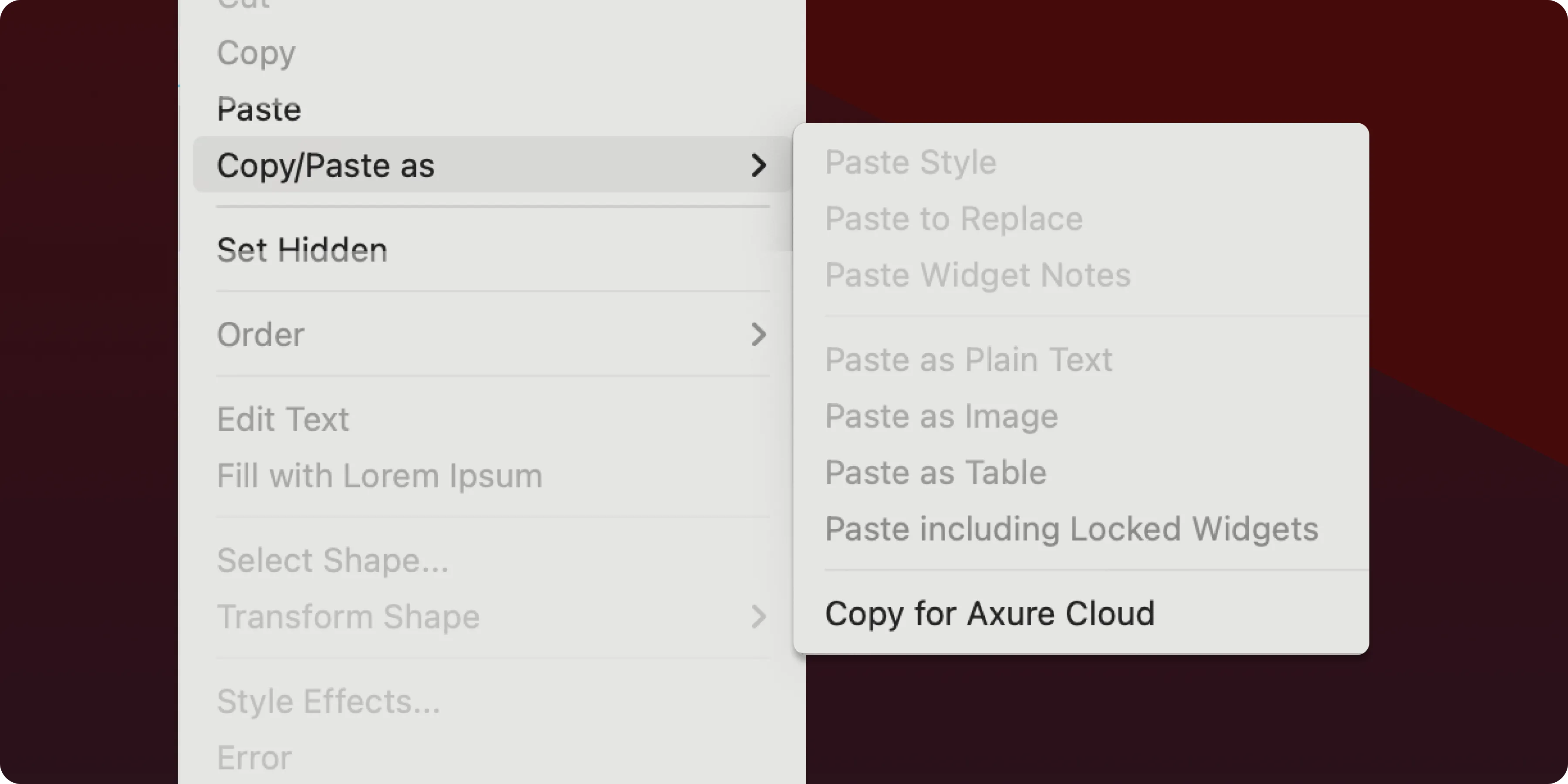
It's easier to move from detailed prototypes to collaborative whiteboarding sessions. Select any content in your RP file, choose "Copy for Axure Cloud" from the "copy/paste as" menu, then paste directly into your Axure Cloud whiteboard.
Improvements (1)
- Publish directly under any nested file structure when publishing to Axure Cloud
Bug fixes (11)
- Fixes Apply Style action not working correctly when using widget styles and certain widget types
- Fixes Apply Style action adding border incorrectly if widget originally had no borders
- Fixes incorrect border width on line widgets targeted from Apply Style or style effects
- Fixes exception copying a widget with an empty Apply Style interaction
- Fixes widget style names getting truncated in dropdown menus after reopening the dropdown
- Fixes nested component preventing interactions if widget was behind the component
- Fixes thumbnail preview in target dropdown not working when parent group was hidden
- Fixes incorrect line height when pasting to/from RP and whiteboards
- Fixes exception deleting all global variables
- Fixes de-selecting widgets with Shift not working
- Fixes tooltips getting stuck on the screen
Axure RP
Improvements (1)
- Use quick insert within a group or panel to insert into the group/panel
Bug fixes (9)
- Fixes issue where certain workspaces would incorrectly appear or be missing
- Fixes collapse sidebar shortcut key Option + [] (Mac), Ctrl + [] (Windows) not working
- Fixes pan and zoom events in whiteboards/documents to work on tablet devices
- Fixes selection area to properly select rotated objects in whiteboards
- Fixes Quick Insert icons defaulting to an empty search state
- Fixes comment appearing in wrong location in whiteboards when pasting the comment link
- Fixes issue where repeatedly clicking on the table controls would freeze the document
- Fixes rendering table column controls
- Fixes signing in to comment on Jira embedded prototypes not working
Axure Cloud
Improvements (1)
- "Download" option is now available for RP team projects/libraries in options menu
Bug fixes (3)
- Fixes Last modified column to show the last author who edited a Document/Whiteboard project
- Fixes files not expanding in "Browse workspaces" view
- Fixes Slack/Microsoft Teams notifications not working
Axure Cloud for Business
Bug fixes (2)
- Fixes deactivated users appearing in "Invite workspace" dialog
- Fixes RP viewers able to duplicate RP projects
Bug fixes (3)
- Fixes Apply Style not working in Components
- Fixes radio buttons having wrong Selected style
- Fixes switching Dynamic Panel states when a state contained an unlinked Inline Frame
Bug fixes (13)
- Optimizes page loading around style changes in the prototype
- Fixes push/pull not working with Components
- Fixes Dynamic Panels having wrong location when placed in a Component
- Fixes selected style getting removed after using Apply Style
- Fixes fill color opacity not working in style effects when widget also had a gradient
- Fixes page not loading when containing an empty Repeater with an Apply Style action
- Fixes border visibility and corner radius not working correctly with Apply Style
- Fixes hidden border reappearing after rounding corners and resizing widget
- Fixes grouped Text Area widget losing focus after Set Size or Move action
- Fixes Groups only scaling from the top left when targeted on a Show/Hide action
- Fixes slide/flip animations not working in certain scenarios
- Fixes focus moving to the next style when editing the Default style in Widget/Page Style Manager
- Fixes global variables resetting with inline frame and Dynamic Panel interactions
Axure RP 11 is here! 🎉
Find out What's New in 11
Looking for older releases?
This changelog covers our recent updates and improvements. You can find detailed release notes and download links for older versions of Axure RP 10 and earlier on our release history page.
View release history