Manage Licenses

Forum

AxShare

HOME

PRODUCTS

WHY AXURE

LEARN

SUPPORT

COMPANY

DOWNLOAD

BUY

Features

Samples

New in 6.5

Std vs. Pro

Axure RP

Amaze them.

Axure RP gives you the wireframing, prototyping and specification tools needed to make informed design choices, persuade any skeptics, get your design built to spec... and maybe win a few fans along the way.


Choose the Standard edition for prototyping or go Pro to add documentation and collaboration features.

Quickly create wire-frames that evolve from sketch to ready-for-dev designs.

Experience and present prototypes that go beyond basic links.

Annotate your wireframes and automatically generate Word specifications.


Design together keeping a history of changes and keep track of  feedback.


Specifications Icon
Design Collaboration Icon

Home

Products

Why Axure

Learn

Support

Company

Download

Buy

Contact

Privacy

Legal

Sitemap

© 2002-2013 Axure Software Solutions, Inc. All rights reserved.

Use Axure RP as:

Lo-Fi Mockup to Hi-Fi Prototype
Mockup Example
Axure's UX Man

You'll be productive on day one with Axure RP's familiar diagramming environment, inline text editing and 50+ keyboard shortcuts. And as you get to know features like selection modes, widget styles, and the dynamic panel manager, you'll get faster by the day.


Quickly create beautiful wireframes with boxes, placeholders, shapes, and text. When you're ready for more visual polish, add color, gradients, and semi-transparent fills, import images, use grids and guides for precise placement, or the many other tools designed to help you work at the right fidelity for your project.

Now you can change the sketchiness, switch to grayscale, and choose a handwriting font for your mockup instantly and at any stage of your project. Clients may love it just for the look, but you'll love it when the sketchiness helps to set the right expectations and get feedback focused on the functionality, content, or interactions.

Use masters, to create your own reusable design elements like headers, footers and templates. A change to a master is reflected everywhere the master is used in your wireframe. Use as many masters on a page as you need, and nest masters in other masters to maximize reusability.

Download widget libraries that we've published or that customers have shared to add to the built in Axure RP widgets. Or create your own custom widget libraries with icons, design patterns or branded elements for your applications.

Tools for creating fast wireframes
Globally update your wireframe using masters
Widget libraries make building mockups easy
Design Interactions with Animation
Link

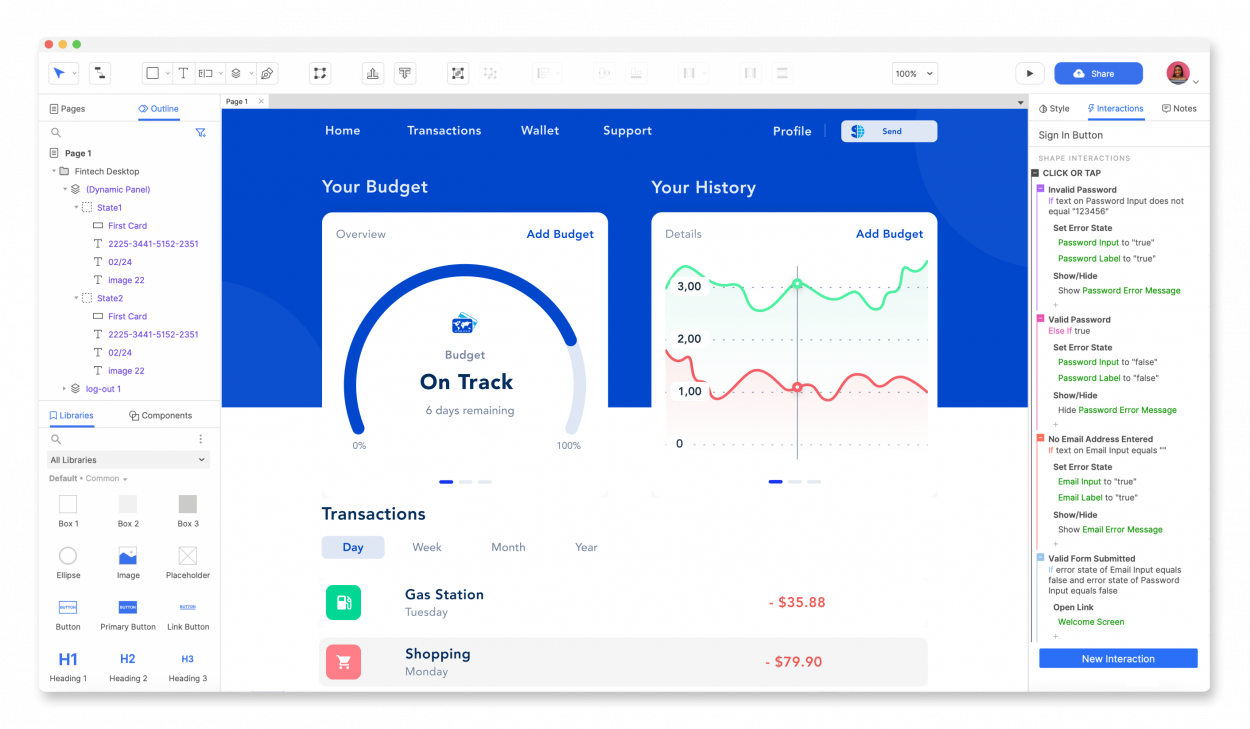
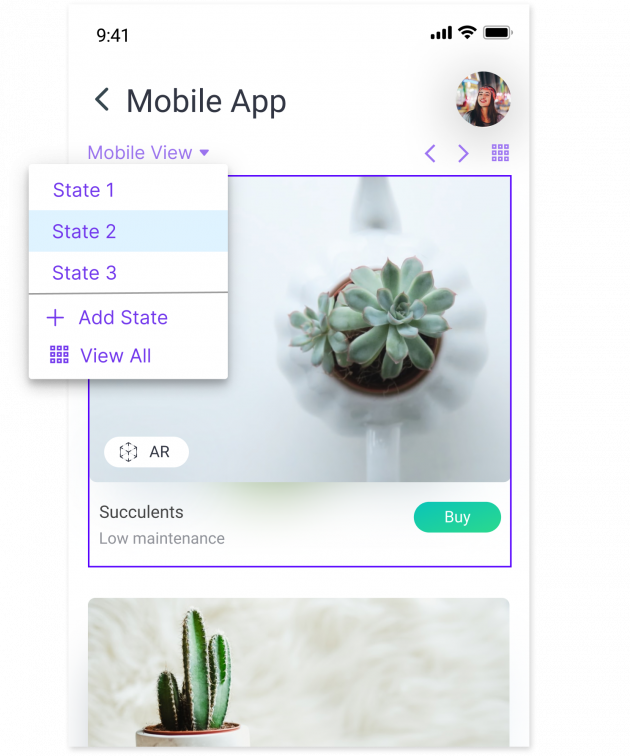
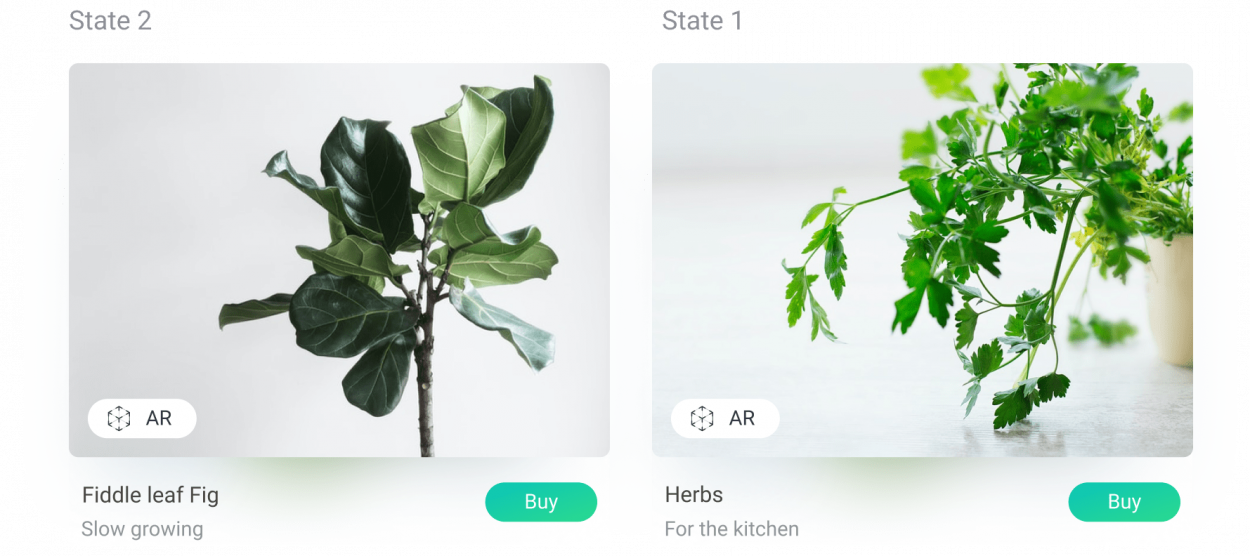
Create simple click-through mockups or highly functional, rich prototypes with conditional logic, dynamic content, animations, drag and drop, and calculations. You don't always need it, but when you do, it's nice to have the power to take your designs to the next level for your own evaluation, client feedback, or user testing.

Select an event like a OnClick, OnMouseEnter, or OnKeyUp. Add a case and choose an action like Open Link, Set Widget Value, or Show Panel. Configure the options for the action and that's it. No coding. Once you get the hang of it, you'll be amazed how much you can do and how fast.

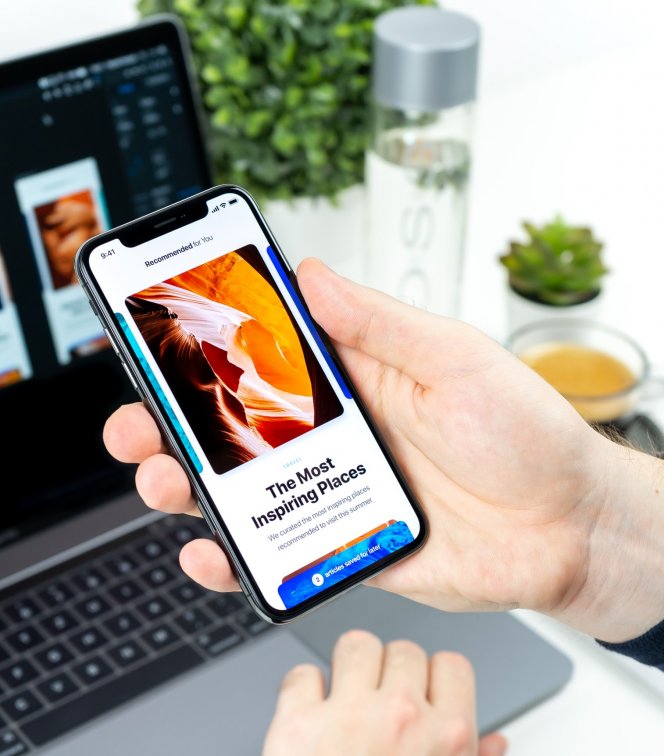
Click a button and Axure RP generates your design to an HTML and javascript prototype that can be viewed in IE, Firefox, Safari, or Chrome. Stakeholders, developers, and testers can view and interact with your prototype without installing Axure RP or a player. Publish your prototype to a network drive, web server, or AxShare to share it.

It's your prototype and it should represent your brand. Your clients don't need to see an Axure logo when you're presenting your work.  Add an image and caption to your prototype. And if you've got some CSS chops, customize the prototype even more.

Add notes to widgets and pages to provide more context to your wireframes and clarify or detail functionality. The annotations are organized into customizable fields to help manage the information and standardize the documentation. Page notes can also be divided into categories for different audiences.

Create Word templates with custom headers, footers, title page, and heading styles. Select from single or two column layouts. Configure the order of the screenshots, annotations, and page notes. Then, click a button to generate your custom specification any time and as many times as you update the design.

In addition to the annotations and page notes, you can export the widget text from your mockups to the Word document as well as the options in list boxes and droplists. Choose to generate the text on only annotated widgets or for every widget in your wireframes.

Generate specifications for a specific subset of the annotations by creating a filter on annotation values. If you're keeping track of versions or change requests in the annotations, you can generate documents by version or change.

Use shared projects to work simultaneously with other team members on a project. Use a shared network drive for easy setup. Or store projects on an SVN server for remote access. And the best part, there's no additional cost for Axure RP.

Sketch & Design

Tools for quick & dirty or polished designs.

Switch to a sketchy, hand drawn feel instantly.

Start in minutes and get faster every day.

Change once, update everywhere with masters.

Widget libraries to jump start your projects.

Interact

Much more than just clicks.

Easy to build without coding.

Click to generate HTML. No player required.

Your prototype. Your brand.

Document

Widget Annotations and Page Notes.

Powerful, customizable Word generator.

Export all copy.

Filter by annotations to group specifications.

Collaborate

Shared projects for design teams.

Share Axure RP prototypes with your team and with clients.

Share

Upload your files to AxShare and your prototypes will be generated and ready to share in minutes. Password protect the link to your prototype for security. Enable discussions to collect feedback directly in your prototype. Discussions can also be added to prototypes not hosted on AxShare.

Share prototypes & manage feedback.

Deliver a branded experience.

Assign a custom domain to your AxShare account and customize your login and password pages to give your clients a fully branded experience.

Keep a history of changes with notes for each check in. Export previous versions of the project whenever you need to see an earlier version of your project.

Shared projects for design teams.